
HOW IT WORKS
Three taps. One life saved.
Locate · Tap · Done — in under one second. The patient registers, the responder reads.
01 · PATH A · SELF-SERVICE
Patient — register
- 1. Open the WaveMed app and activate with just a name and email (a secure PIN is generated).
- 2. Enter emergency information — blood type, allergies, medications, conditions, emergency contacts.
- 3. Hold the phone to the RadPatch/RadCard™ to write. Only provisioned tags accept writes.
- 4. Attach the patch to a helmet, watch band, clothing or bag. Done.
02 · PATH B · FULL-SERVICE
Organisation — bulk issue
- Register hundreds or thousands with WaveMed DeskTop Manager (Windows/macOS) and a PC/SC NFC reader.
- Hospitals, insurers, government health programmes, aged care, schools, military, NGOs — integrated with HIS/EMR over HL7/FHIR.
- Aggregate national data is kept in-country on the iSAVE™ sovereign cloud.
03 · ON SCENE
Responder — read
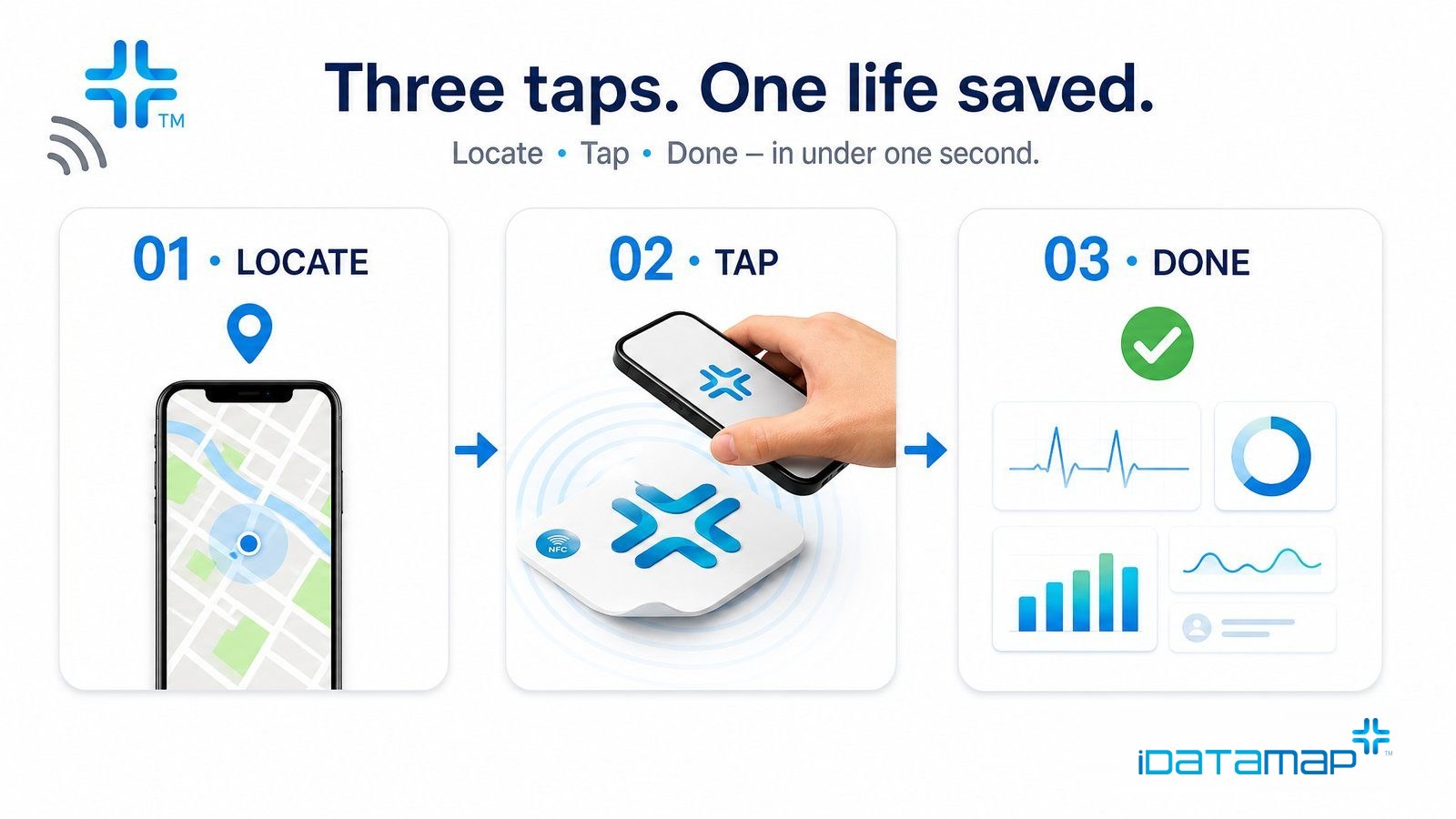
- No need to even open 𝒱WaveMed — hold an NFC phone to the patch and it appears in one second.
- 27-language auto-translation. Read-only, with responder notes.
- One-tap share to hospital ER/EHR, automatic family contact.