
When the signal drops,
your logo still speaks.
Zero bars, one second: a carrier service that works off-network.
A carrier-logo patch given at sign-up and device upgrade. The app is free and registration takes three minutes in store; from then on, the patch passes on your subscriber's emergency information even where your network does not reach.

For mobile carriers and their store networks looking to add a safety service to welcome gifts, device upgrades, bundles, senior and kids plans, and business lines.
Subscribers use your network every day, and remember the bill
- The moment subscribers actually think about their carrier is usually when the monthly bill arrives. Welcome gifts are used and forgotten, and at contract end it is hard for them to name anything their carrier did for them.
- Almost every carrier service needs a signal. Yet a subscriber's hardest moments tend to come where there is none, on a mountain outside coverage or in a disaster that takes the towers down, or while roaming somewhere nobody speaks their language.
- A subscriber who collapses has a locked phone. Blood type, medication and a family number are all inside it, and the stranger kneeling beside them cannot open it.
- Adding anything health-related usually means collecting and storing subscribers' health data, a burden no carrier wants to carry.
The upgrade-day patch, day 184
- Day 1 · Store
Minho, 58, upgrades his phone and receives a phone case with a carrier-logo RadPatch. A staff member walks him through the free WaveMed app: name, date of birth, blood type and his daughter's number, and of everything else he adds only his blood-pressure medication. He holds the phone to the patch to save and writes down the four-digit PIN it shows. Three minutes.
- Day 184 · 15:10
Hiking alone, Minho collapses on a valley trail. He cannot speak, his phone is locked, and it shows zero bars.
- 15:12
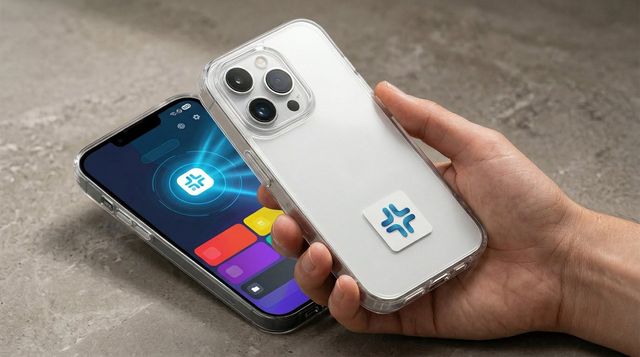
A passing hiker sees the blue cross on his phone case and holds her own phone, with the WaveMed app, to it for one second. With no internet, his name, blood type, medication and his daughter's number appear.
- 15:15
A few steps up the trail, her phone finds one bar. She calls the emergency number and his daughter, reads out his blood type and medication, and on the weak signal still sends the coordinates and a map link. Following them, the rescue crew reaches Minho, reads the same patch with 𝒱WaveMed in one second, confirms his medication and evacuates him. They can read it, not change it.
- Next contract
At renewal Minho remembers the patch and asks for one on his wife's phone too. The carrier has a real response story, and never handled a single line of his health information.
Your name close to the subscriber. Their health data in their hands.
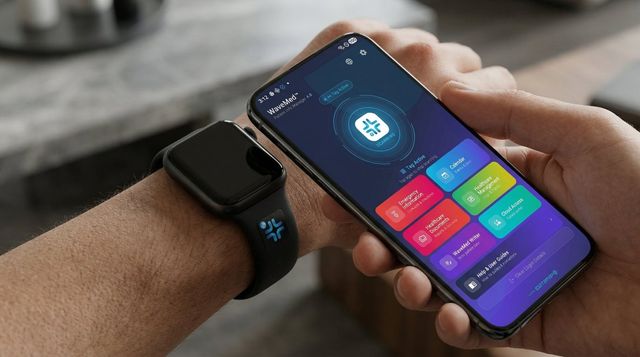
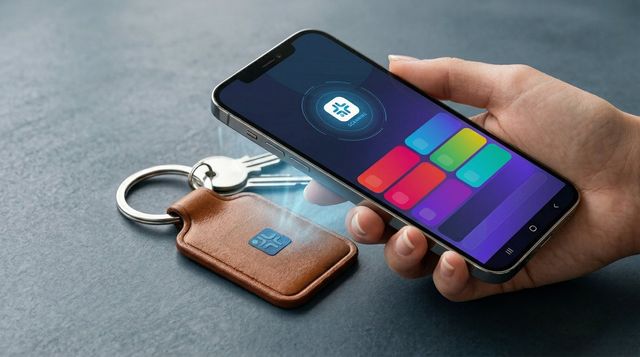
- A personal emergency information patch printed with the carrier's logo, as a welcome gift or built into the phone cases of your accessory line. It also goes on a wrist band or key ring, so it still goes along on the days the phone stays at home.
- No battery, no internet. Outside coverage, or in a disaster that has stopped the towers, it reads with a smartphone in one second; while roaming it appears in the reader's own language, with 27 languages switching automatically.
- The carrier receives no health data at all. Only what the subscriber chooses is stored, encrypted, inside the patch, and changing it takes the subscriber's four-digit PIN. Paramedics, emergency responders and fire crews only read it, with the free 𝒱WaveMed app.
- With senior and kids plans: the free WaveMed app keeps a separate record for each family member and brings parents' medication schedules with reminders, prescriptions photographed with the camera and children's vaccination records onto one phone. Adult children manage their parents' records, and a patch with the parents' numbers goes on the child's bag.
- Roaming and out: the emergency report switches to the local language on the spot, the map finds the nearest emergency room, and coordinates and a link still send on a weak signal.
Phone case, wrist band, key ring: where your logo travels with the subscriber
Added to the plan: a family health record app
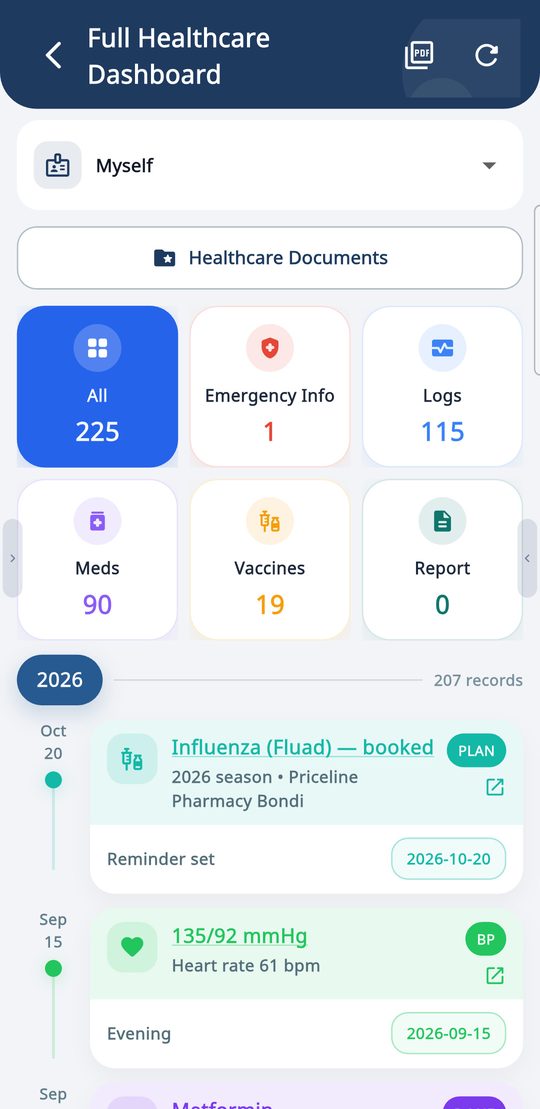
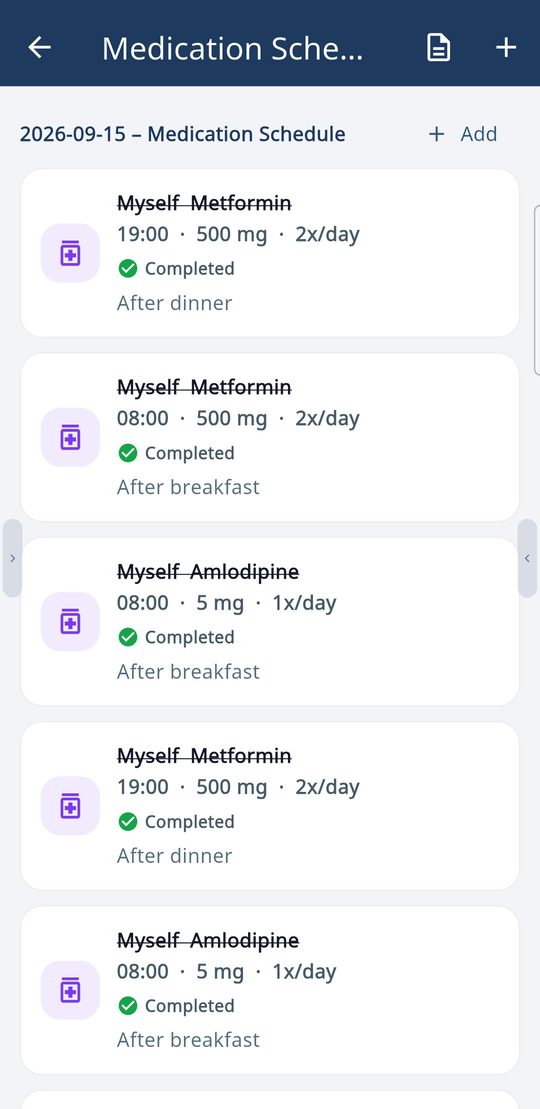
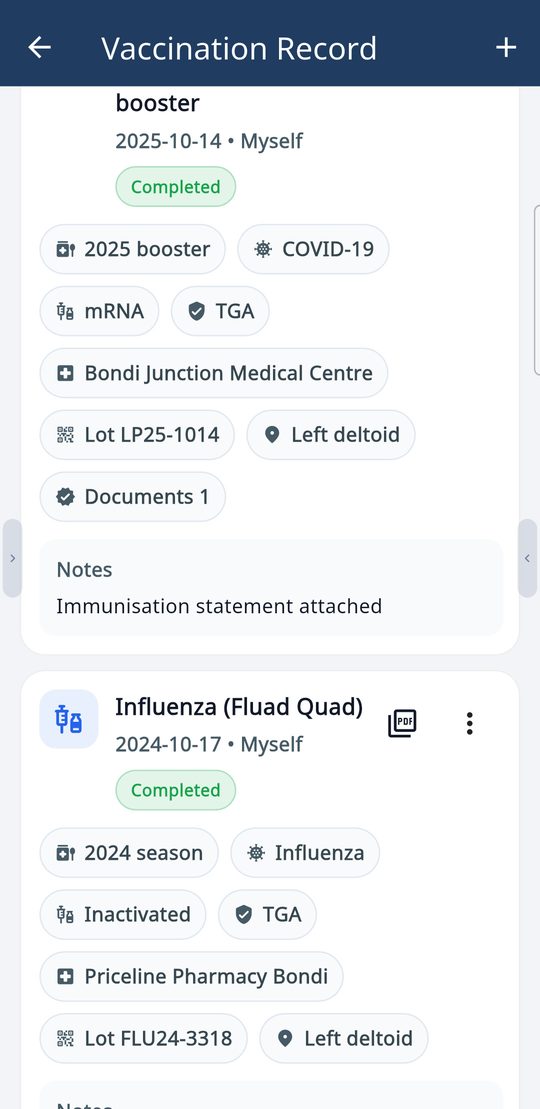
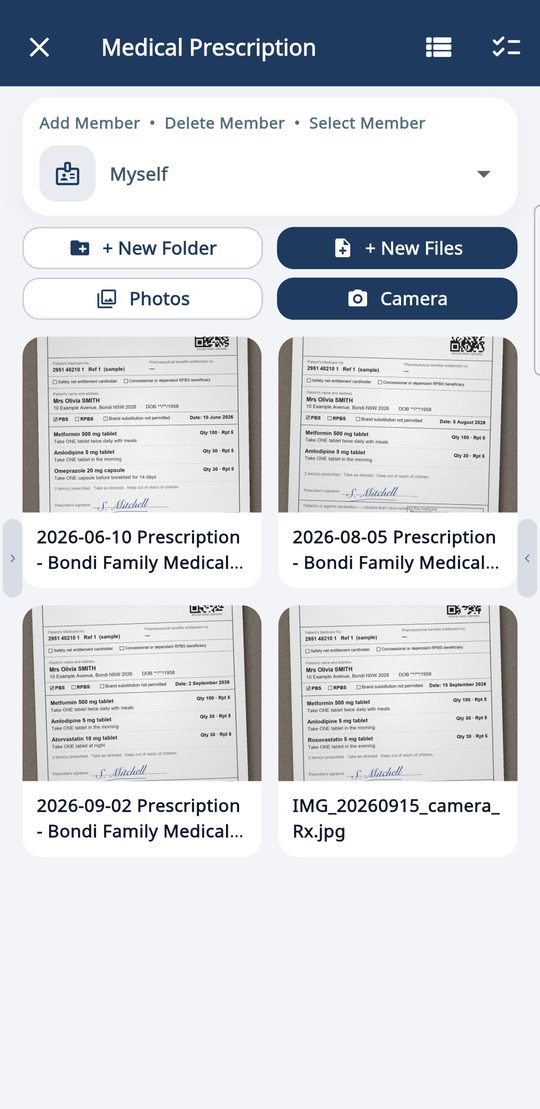
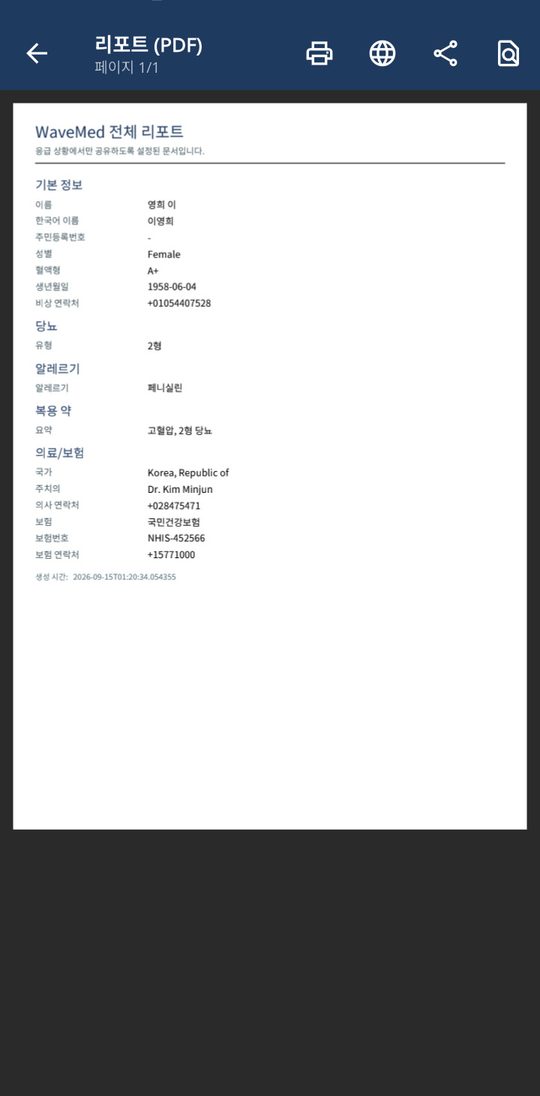
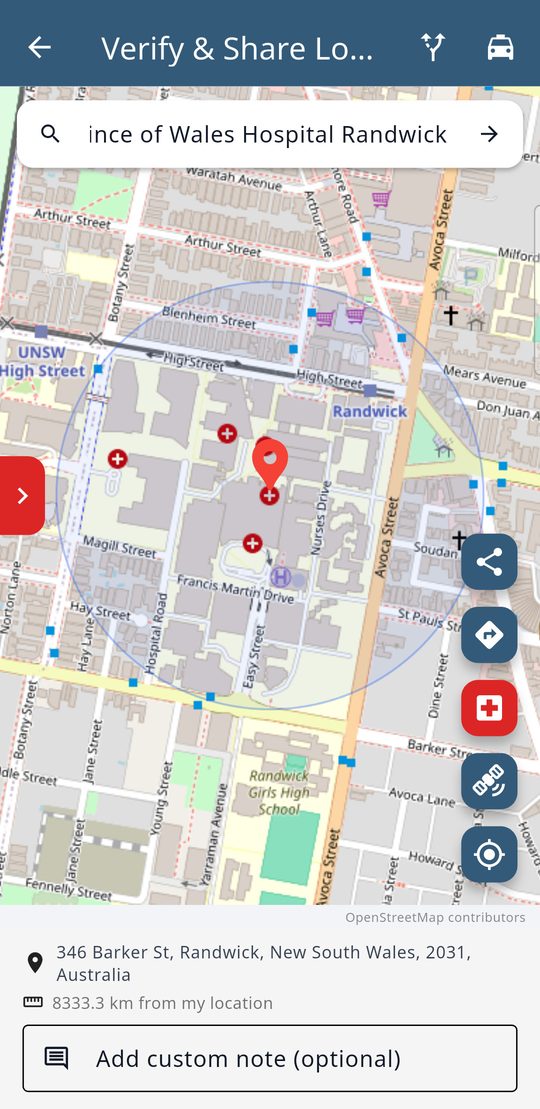
Real WaveMed app screens (demo data).
Where it is read



How to roll it out
- Pilot in one store region with logo patches and twenty minutes of staff training, and decide together what to bundle it with: welcome gifts, senior and kids plans, bundle discounts or patch-embedded phone cases.
- In store, guided by staff, subscribers register themselves in the free WaveMed app in about three minutes, enter only what they choose and note their PIN. The app's three-step guide is enough, so stores need no Desktop Writer (Path A).
- Business-line customers issue patches to their employees in list order with WaveMed Desktop and a reader, using only the details each person agreed to share. The carrier supplies logo patches and guidance and receives no health data (Path B).
- Collect registration rates and response cases, then extend it nationwide. If you wish, the carrier app can link to the registration guide.
Frequently asked questions
Does it have to integrate with the carrier's app?
Not required. Start with the WaveMed app alone; a link from the carrier app to the registration guide can be added if you wish.
Does the carrier receive or store subscribers' health data?
No. Only the information subscribers choose in the WaveMed app is stored, encrypted, inside their own patch. Changing or erasing it needs their four-digit PIN, and even with a bundle discount the carrier receives no health data.
Do stores need special equipment?
No. Registration takes three steps in the app with no Desktop Writer, on most Android phones running 8.0 or newer and recent iPhones.
Get the apps
Start with one store region: logo patches, twenty minutes of staff training, and registration from the very first subscriber.